

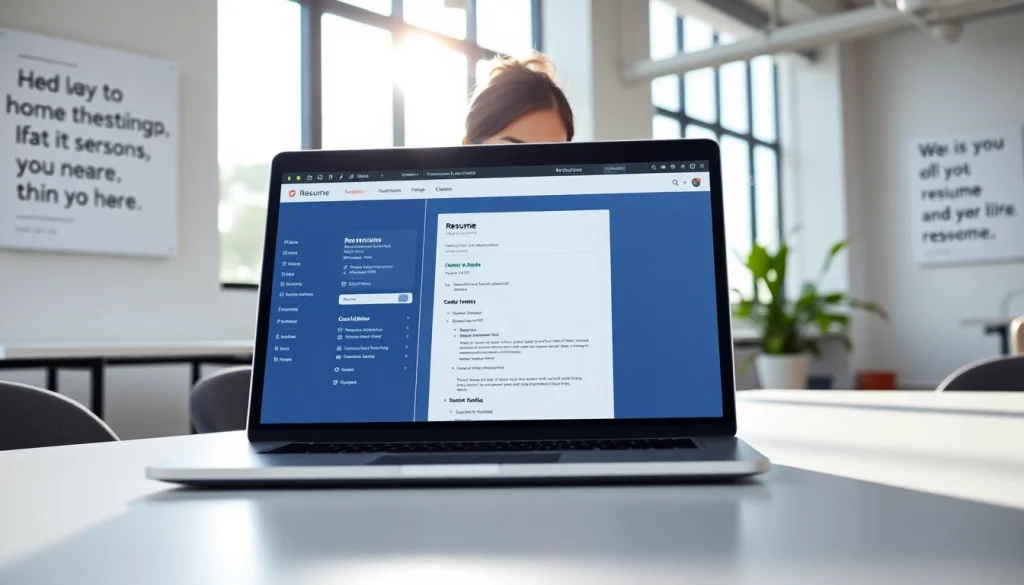
Understanding the Importance of a Resume Builder
In today’s competitive job market, a well-crafted resume is crucial for standing out among countless applicants. It serves as your first impression, articulating your skills, experiences, and qualifications to potential employers. An efficient Resume Builder can simplify this process, providing structured templates and guidance tailored to various industries.
Why Your Resume Matters
Your resume is more than just a list of your jobs; it is a marketing tool used to showcase your professional journey. A strong resume highlights your unique qualifications and potential impact on an organization. It can open doors to interviews and networking opportunities that propel your career forward. Employers often take mere seconds to skim through resumes; hence, it’s vital to make yours impactful.
Types of Resumes You Can Create
Different job seekers require different types of resumes. Here are a few types you can create using a resume builder:
- Chronological Resume: Lists work experience in reverse chronological order and is suitable for individuals with a solid work history.
- Functional Resume: Focuses on skills rather than work history, ideal for those with gaps in employment or changing careers.
- Combination Resume: Merges elements of both chronological and functional resumes, showcasing skills while providing a timeline of work history.
- Targeted Resume: Tailored for a specific job listing, emphasizing the most relevant experience and skills.
Key Features to Look for in a Resume Builder
Not all resume builders are created equal. Here are key features that an effective resume builder should offer:
- User-Friendly Interface: A simple, intuitive interface allows you to create and modify your resume easily.
- Customizable Templates: A variety of professional templates that can be customized to fit your style and industry.
- Guidance and Tips: Built-in suggestions can help you frame your experiences and skills effectively.
- Export Options: Ability to export resumes in multiple formats such as PDF or Word.
- Mobile Compatibility: Accessibility across devices for on-the-go editing.
Getting Started with a Resume Builder
Step-by-Step Guide to Using a Resume Builder
Using a resume builder can streamline the process of crafting your resume. Here’s a step-by-step guide:
- Choose a Resume Builder: Select a platform that meets your needs, preferably one that provides a variety of templates and customization options.
- Select a Template: Choose a template that aligns with your industry and personal brand.
- Input Information: Fill in your personal information, work experience, skills, and education. Be concise and use bullet points for clarity.
- Customize Your Resume: Modify the template colors and fonts if allowed, ensuring it remains professional.
- Review and Edit: Proofread your resume for errors and make adjustments based on feedback.
- Download and Share: Once satisfied, download your resume in your desired format and start applying!
Choosing the Right Template for Your Industry
The template you select can significantly impact how your resume is perceived. For creative fields, opt for visually appealing designs that reflect your personality. Conversely, conservative industries such as finance may benefit from more traditional layouts. Be sure to reflect industry norms while also letting your unique skills shine through.
Customization Options to Enhance Your Resume
Customization goes beyond templates. Utilize the following strategies to enhance your resume:
- Tailor Content: Adjust your skills and experiences for relevance to the job you’re applying for.
- Use Action Verbs: Begin bullet points with strong action verbs like “managed,” “developed,” or “led” to convey your impact.
- Incorporate Metrics: Quantify achievements whenever possible, e.g., “Increased sales by 30% in six months.”
Best Practices for Using a Resume Builder
Common Mistakes to Avoid
Creating a resume can be daunting, but there are common pitfalls to navigate:
- Overloading with Information: Keep your resume concise; ideally, one page for recent graduates and a maximum of two pages for seasoned professionals.
- Lack of Focus: Ensure your resume is targeted toward the job at hand, eliminating irrelevant details.
- Ignoring Formatting: Use consistent formatting throughout; misaligned sections can appear unprofessional.
How to Highlight Your Skills and Achievements
Highlighting skills and achievements is critical. Here’s how to do it effectively:
- Feature Skills Up Front: List relevant skills at the beginning of your resume to grab attention.
- Use Accomplishment Statements: Provide specific examples of how you have used your skills to achieve results.
- Tailor Skills to Job Descriptions: Match your skills with the requirements listed in job descriptions.
Ensuring Compatibility with Job Applications
Compatibility is key to ensure your resume gets through applicant tracking systems (ATS). Here are ways to enhance compatibility:
- Avoid Graphics: Graphics and images may not be read by ATS, so stick to text-based formatting.
- Use Standard Fonts: Fonts like Arial, Calibri, and Times New Roman are preferred for their simplicity.
- Include Keywords: Incorporate industry-specific keywords that match the job description to increase your chances of passing ATS filters.
Advanced Techniques for an Effective Resume
Incorporating Keywords for ATS Optimization
Understanding how to effectively incorporate keywords can catapult your resume above others. Here’s how:
- Research Keywords: Analyze job descriptions to identify common terms and phrases that apply to your target roles.
- Integrate Naturally: Embed these keywords seamlessly into sentences instead of merely listing them to maintain readability.
- Utilize Keyword Variants: Use variations of keywords to increase the chances of matching different searches by employers.
Design Elements That Make an Impact
A visually appealing design can enhance your resume’s impact. Consider the following:
- Consistent Color Scheme: Limit your color palette to 2-3 complementary colors to maintain professionalism.
- Use of White Space: Adequate white space can help in making the resume easier to read.
- Strategic Headings: Use headings to break up sections and guide the reader’s eye through your qualifications.
How to Tailor Your Resume for Different Roles
As you apply for different positions, tailoring your resume can be crucial. Here’s how:
- Adjust the Objective Statement: Craft a new objective or summary for each application that matches the role’s requirements directly.
- Reorder Experiences: Place the most relevant experiences toward the top of your resume for immediate visibility.
- Highlight Relevant Projects: If applicable, include specific projects that align with the job description.
Frequently Asked Questions about Resume Builders
How do I choose the best resume builder?
Look for builders that offer customizable templates, user-friendly interfaces, and export options. Check reviews for user experience and customer support.
Can I use a resume builder for free?
Many resume builders offer free versions with limited features. Ensure to read about any restrictions or costs associated with enhanced services.
What are the most essential components of a resume?
A resume should typically include your contact information, professional summary, work experience, skills, and education. Tailor these components based on the job you’re applying for.
How often should I update my resume built with a resume builder?
Regularly updating your resume is essential. Mention new skills, experiences, and accomplishments every few months or after significant career milestones to keep it current.
Can a resume builder help me with cover letters?
Many resume builders have companion tools for creating cover letters. Explore options that provide templates and examples for effective cover letter writing.